Your Instagram account isn't just a profile. It's your business, your reputation, and your income source. Instagram leads with 31% of all social media hacks, with credential stuffing attacks targeting creators who reuse passwords.
For influencers, the stakes are higher than casual users. The average hacked business account loses €1,200+ in direct revenue and reputational damage within the first 48 hours. Beyond immediate losses, a compromised account damages brand trust, cancels partnerships, and can take months to recover from algorithmically.
Yet most influencers still skip basic security steps. Here's what you need to know before it becomes an emergency.
Why Brands Care About Your Account Security
This matters more than you think. Verified creators earn 25-40% higher sponsorship rates, and platforms favor verified creator content in recommendations. Account security is part of what makes you trustworthy to brands.
Trust matters more than reach in influencer marketing, with authenticity and transparency increasing audience confidence and community credibility. When your account shows signs of compromise or is flagged for suspicious activity, brands hesitate. They've seen influencers lose accounts mid-campaign. They know recovery takes time.
Secure accounts = more partnership opportunities, higher rates, and consistent income.
The 5 Critical Security Layers
1. Two-Factor Authentication (2FA)
This is non-negotiable. Use an authenticator app like Google Authenticator or Authy rather than SMS, as SMS-based 2FA is vulnerable to SIM-swapping attacks. Go to Settings > Accounts Center > Password and security > Two-Factor Authentication and enable it with an authenticator app.
Why this matters: Even if a hacker gets your password, they cannot access your account without the code from your phone. This stops 99% of attempted takeovers.
2. Strong, Unique Password
The strongest password security best practices come down to three moves: make passwords long instead of complex, stop forcing scheduled resets, and protect every account with a password manager plus multi-factor authentication.
Use a password manager (1Password, Bitwarden, or LastPass) to generate and store a 16-20 character password unique to Instagram. Do not reuse passwords across platforms. Reusing passwords is a major red flag—if any other site is hacked, your reused password puts your Instagram account at risk.
3. Secure Your Recovery Email
Your email is the master key to your account. If your email gets compromised, so does your profile. Enable 2FA on your recovery email with a unique password and authenticator app. Check that your email address on file is still one you actively control.
4. Audit Connected Third-Party Apps
Many influencers grant access to analytics, scheduling, or growth apps without realizing the risk. Before giving your Instagram password to any third-party app, always check if they use the official Meta API.
Go to Settings > Security > Apps and Websites and revoke access from any app you no longer use or don't recognize. Only use tools that explicitly mention Meta API access.
5. Regular Session Audits
Go to Settings > Login Activity and log out of any unfamiliar devices or locations. Hackers often leave themselves logged in. Force-log-out everything you don't recognize monthly.
Phishing: The Most Common Attack
Over 82% of phishing operations in 2025 used AI for message generation or image manipulation, and social media phishing incidents increased by 47%. Attackers now create nearly identical fake login pages and DMs.
Watch for:
- "Verify your account" messages from suspicious links
- "Copyright violation" emails with review links
- "Brand partnership" DMs from accounts claiming to be agencies
- Urgent messages demanding password resets
Rule: Never click links in DMs or emails. Type instagram.com directly into your browser yourself. Verify partnership offers through official brand domains and confirmed phone numbers.
SIM Swapping: The Silent Killer
This threat bypasses 2FA. SIM swapping consists of deactivating a target's mobile phone number and transferring it to a SIM card controlled by the attacker. With access to two-factor authentication codes sent via text, hackers can then access and take over associated accounts.
This is why authenticator apps matter more than SMS codes. Attackers can intercept SMS, but they cannot access your authenticator app unless they have your phone. Contact your carrier and ask to add a PIN requirement for phone number transfers.
What To Do If Hacked
Act immediately. If the original email is still under your control and you click the 24-hour "secure my account" revert link Meta sends after suspicious changes, recovery is instant. Check the email account tied to your Instagram for a notification. Click "Revert this change" if it exists.
If that doesn't work, go to instagram.com/hacked and report the hack. Meta's process uses account.instagram.com and the in-app "My account has been hacked" form, where Meta validates ownership using your prior email, phone, government ID, or a short video selfie matched against existing profile photos.
Recovery typically takes 1-21 days if you have proof of identity. Document everything and notify brands of partnerships affected.
The Prevention Checklist
This takes 30 minutes now to avoid weeks of recovery later.
- Enable 2FA with an authenticator app (not SMS)
- Create a unique, 16-20 character password using a password manager
- Secure your recovery email with its own unique password and 2FA
- Audit connected third-party apps and revoke the ones you don't use
- Check login activity for unfamiliar devices and log them out
- Add a PIN to your mobile carrier account to prevent SIM swaps
- Never click links in unsolicited DMs or emails
Do this quarterly. Set a reminder. Most hacks are preventable with this foundation.
Security Builds Your Creator Brand
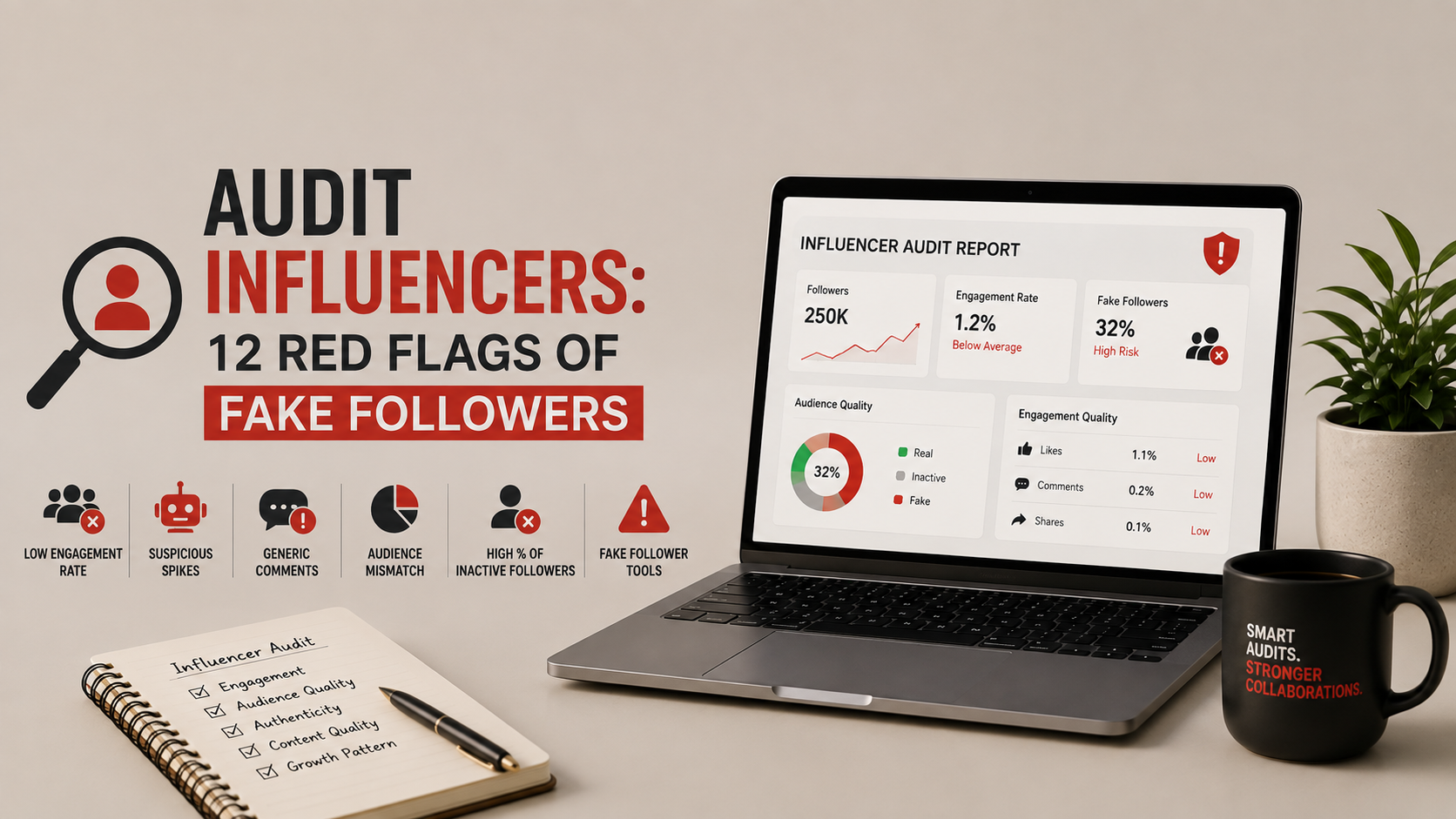
Brands increasingly verify account security before partnerships. A secured account signals professionalism. It shows you take your work seriously. 78% of brands verify influencer authenticity before partnerships. Secure accounts pass those checks. Compromised accounts fail.
Your account security directly protects your income, partnerships, and reputation. It's not about paranoia. It's about building a creator business that can't be stolen from you in a moment of carelessness.
Building a secure, professional creator presence requires more than just security practices—it requires strategic partnership planning. If you're scaling partnerships across brands and platforms, you need guidance on how to maintain account security while managing multiple brand collaborations. Fame Keeda works with creators to establish security protocols, verify account authenticity, and structure partnerships that protect your long-term earning potential. Whether you're just starting out or managing high-value brand deals, security-first creator partnerships make the difference between sustainable income and preventable disasters.